From a page of your book to a set of drills — in about the time it takes to make tea.
No template, no re-typing, no student app. Here's the whole flow, step by step.
PDF, PPTX, DOCX, or a photo.
AI-powered OCR reads the page.
Items typed + reviewed.
Phonics-correct audio rendered.
Online or offline bundle.
Bring the coursebook — as it is.
Drag in a file or take a photo of the page. Native PDFs, scanned PDFs, PowerPoint, Word, and images all work. If a page is a shared file you already use, that's exactly what to upload.
- ✓Up to 25 MB per file
- ✓No cleanup or conversion needed
- ✓Re-upload safely — identical files de-duplicate
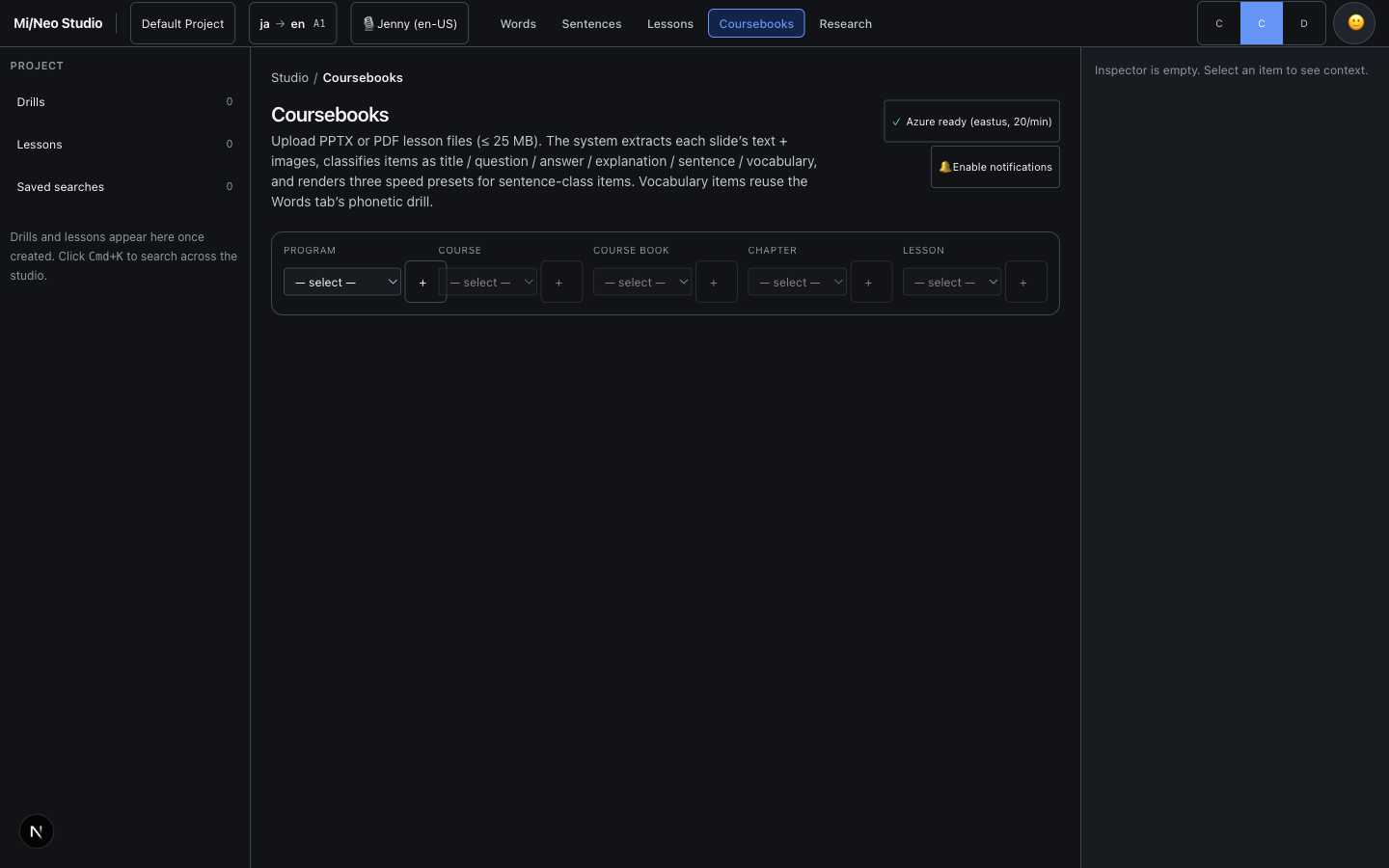
The machine does the reading.
Native text is pulled directly; scanned or image-only pages go through AI-powered OCR. A per-page “text-trust” check catches garbled fonts and re-reads them, so you never get gibberish.
- ✓AI vision model with automatic fallback for scans
- ✓Automatic re-OCR of unreadable text layers
- ✓Tables recovered as structured vocabulary rows
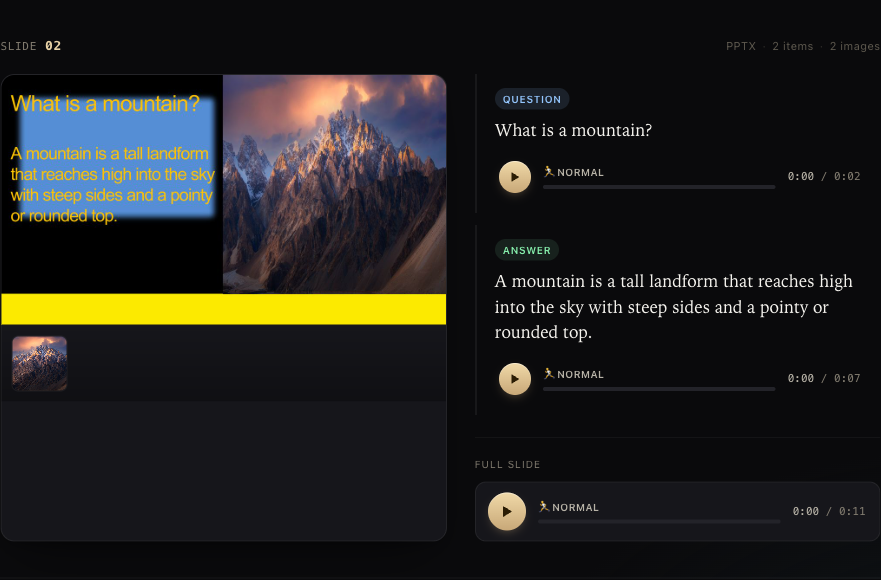
Every item gets a job.
Titles, vocabulary, sentences, questions and answers are identified automatically. Anything the system isn't sure about lands in a fast review queue — approve, edit, or reject in a keystroke.
- ✓Confidence-scored, worst-first review
- ✓Keyboard triage:
j/kmove,a/e/xact - ✓Low-quality lessons flagged, never silently shipped
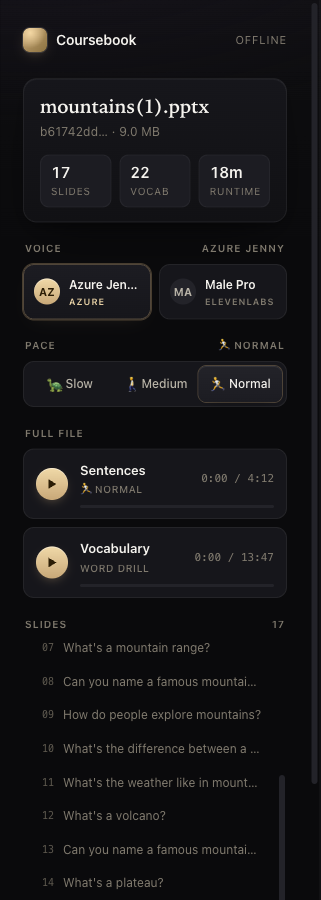
Hear it the way a learner should.
Each item is rendered with the right voice and the right pattern: strict, phonics-correct audio for drilling; natural, expressive audio for stories. Words highlight in sync as they play.
- ✓Word-repeat, sentence-repeat, repeat-after-me, backchaining
- ✓IPA/SSML precision + timed pauses for practice
- ✓Karaoke highlighting; per-learner speed control
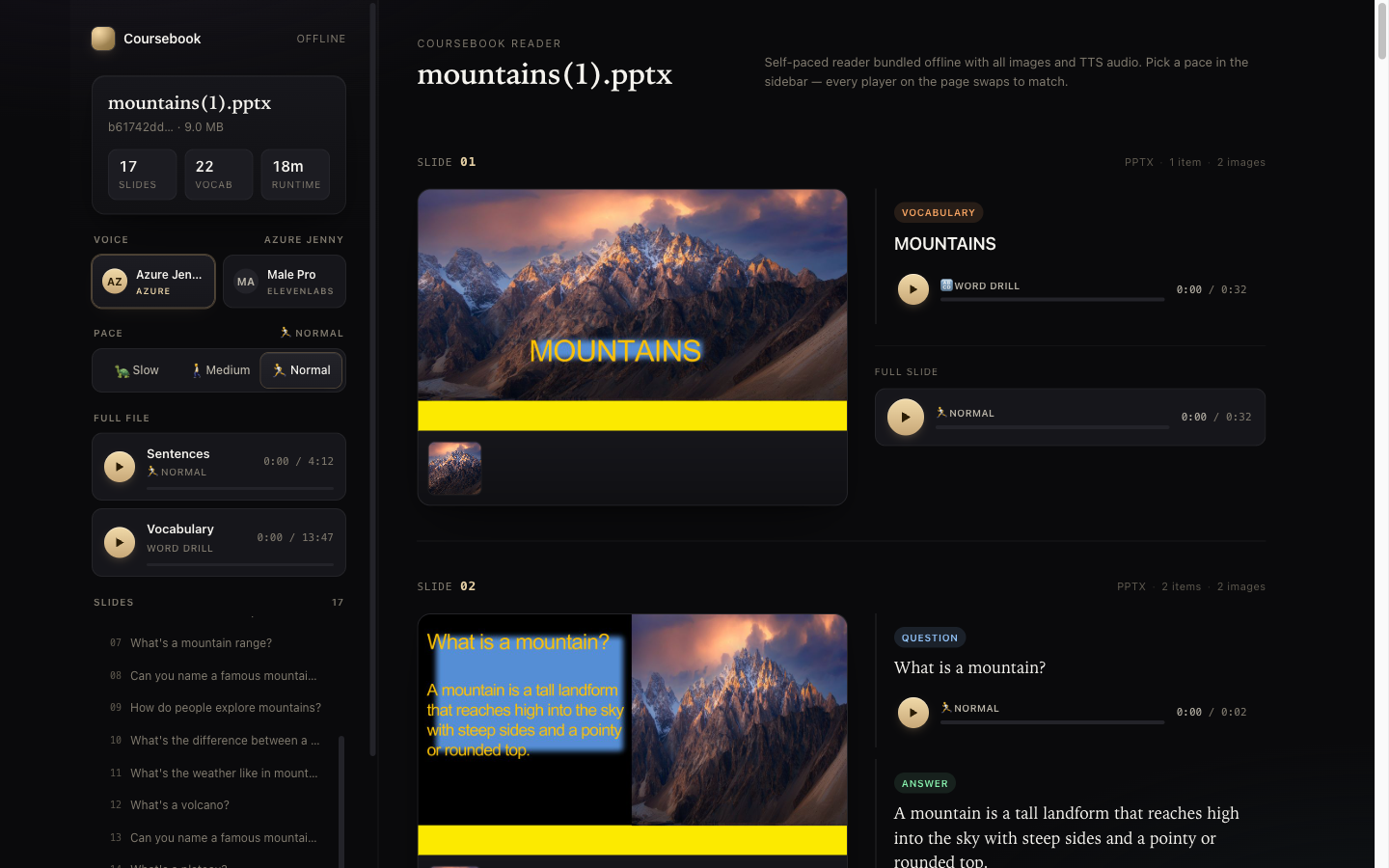
Hand it to students — anywhere.
Publish to the in-app viewer, or export a single self-contained HTML bundle. That bundle carries all images and audio inside it and opens in any browser with no server and no internet.
- ✓Share a link, or ship a USB stick
- ✓No student login, no app to install
- ✓Same clean viewer, online or offline
See it with your own book.
Upload one page and hear the drills come back. Free to try, no card.